An LED (SMD) screen can switch from your opening video to the award winner's name in a second. A printed backdrop says one thing, clearly, all night. This guide explains what decides the choice for a corporate stage in Lahore — room, audience distance, content, camera and budget — and when to use both.
Quick answer: LED screen vs printed backdrop: choose an LED (SMD) screen when the stage needs changing content — presentations, videos, live camera feed, award names or sponsor rotation. Choose a printed backdrop when one fixed brand message is enough, the budget is tight, or the event is mainly photos and speeches. Many corporate stages use both: an LED screen in the centre with printed or fabricated branded panels on either side.
What each option actually is
An LED or SMD screen is a wall built from LED panels joined together to the size you need. It runs from a video processor and a laptop or media server and shows whatever you send it. In Pakistan these are usually called SMD screens, after the surface-mounted device (SMD) LEDs on the panels.
A printed backdrop is your artwork printed at full size on panaflex, fabric or vinyl and stretched on a frame, or mounted on a fabricated wooden or metal structure. It can include cut-out logos, 3D letters and lighting, but the message is fixed once it is printed.
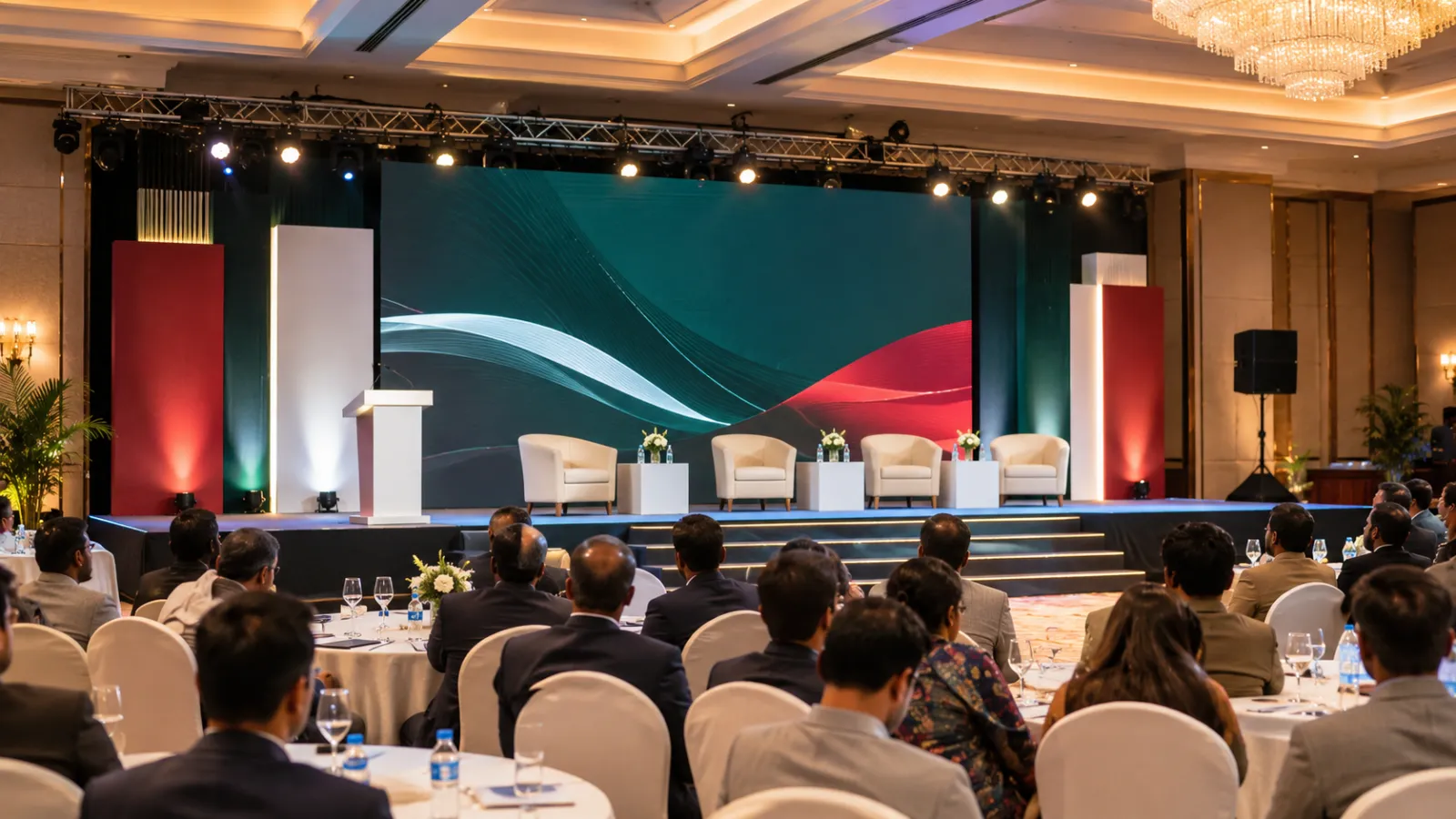
LED screen vs printed backdrop: side-by-side
| Factor | LED (SMD) screen | Printed backdrop |
|---|---|---|
| Content | Changes any time: slides, video, live feed, names | One fixed design |
| Last-minute changes | Edit the file and play it | A mistake means reprinting |
| Look in a dark hall | Bright, self-lit, draws attention | Depends on stage lighting |
| Look in photos | Good when content and brightness are set for camera | Even and predictable; no screen glare |
| Needs on the day | Power, processor, operator, content in the right size | Lighting only |
| Best for | Conferences, launches, award nights, live streams | Press walls, photo backdrops, dinners, simple ceremonies |
We do not publish fixed prices. Cost depends on screen size, pixel pitch, event days, backdrop size, material and structure, so we quote each stage separately.
Pixel pitch and viewing distance, in plain terms
If you choose LED, the most important number on the quotation is the pixel pitch. Daktronics, an LED display manufacturer, defines it as the distance between the centres of two neighbouring pixels, in millimetres. Quotations often write it as a P-number — Ticket Fairy's LED guide, for example, writes a 5 mm pitch as P5 — so a P2.5 screen has a 2.5 mm pitch and a P3.9 has 3.9 mm. The smaller the number, the sharper the image up close.
There is no single industry formula for how far away the audience should sit, and manufacturers publish different rules of thumb:
| Source | Rule of thumb | P2.5 | P3.9 | P5 |
|---|---|---|---|---|
| PRG (event LED supplier) | 1 m of viewing distance per mm of pitch | 2.5 m | 3.9 m | 5 m |
| Daktronics (manufacturer) | Optimal distance in feet is about 3 times the pitch in mm | 7.5 ft (about 2.3 m) | 11.7 ft (about 3.6 m) | 15 ft (about 4.6 m) |
| Barco (manufacturer) | Optimal viewing distance in metres = 2 times the pitch in mm | 5 m | 7.8 m | 10 m |
The distances are calculated from each published rule. All three are rules of thumb, and they differ by up to about double. If your front row sits beyond the largest figure, the pitch will look fine; if it sits closer than the smallest, ask for a finer pitch. As the title of a Sixteen:Nine article by industry writer Dave Haynes puts it, the rule of thumb for direct-view LED viewing distances is "all over the place".
How to use this: measure the distance from the stage to your front row. If VIPs sit very close, ask for a finer pitch or move the first row back; if not, a coarser pitch usually costs less.
Size, resolution and text
An LED wall's resolution is the wall size divided by the pixel pitch. 4Wall's LED guide shows the same 26 ft by 15 ft wall reaching 2816 by 1584 pixels at 2.8 mm and 3200 by 1800 at 2.5 mm. Ask your supplier for the exact pixel size of the wall so your designer builds slides and videos to fit it.
Example (hypothetical): a 4 m wide by 2.25 m high LED wall at 2.5 mm pitch gives about 1600 by 900 pixels (4,000 mm divided by 2.5 mm, and 2,250 mm divided by 2.5 mm). The same wall at 3.9 mm gives only about 1025 by 577 pixels, so small text on slides will look rougher. Real walls are built from fixed-size panels, so the exact pixel count depends on the panel model.
For readable text, Daktronics suggests at least 1 inch of letter height for every 25 feet of viewing distance. Keep names and headings large, and avoid paragraphs on screen.
Brightness
Indoor and outdoor screens are built differently. 4Wall describes indoor tiles at around 1,000 nits and outdoor tiles at 4,000 to 6,000 nits or more. A hotel ballroom does not need an outdoor-brightness screen; a daytime lawn event does. Set brightness at rehearsal for the room lighting and cameras.
Getting a printed backdrop to look sharp
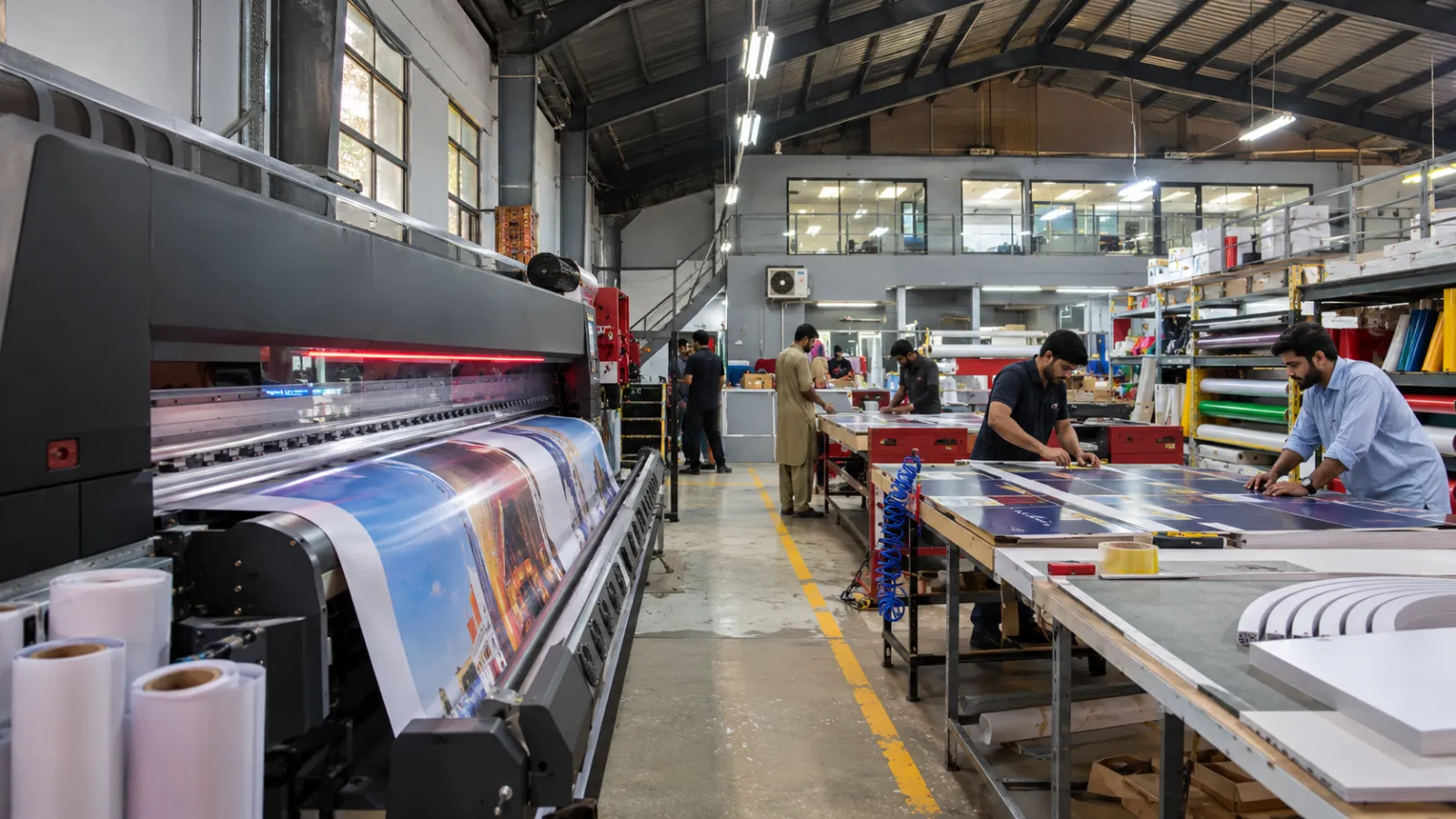
A printed backdrop is only as good as the artwork file. Large-format graphics need far less resolution than brochures, but printers' requirements differ: Rose Brand's guidelines go as low as 35–50 DPI at full size for backdrops seen from 5 feet or more, while exhibition contractors such as GES ask for at least 100 dpi. Ask your printer for their spec, and supply logos as vector files — especially on a press wall, where guests stand close.
Our guide to panaflex, fabric and other exhibition printing materials covers materials and file specs in detail.
If the event is filmed or streamed
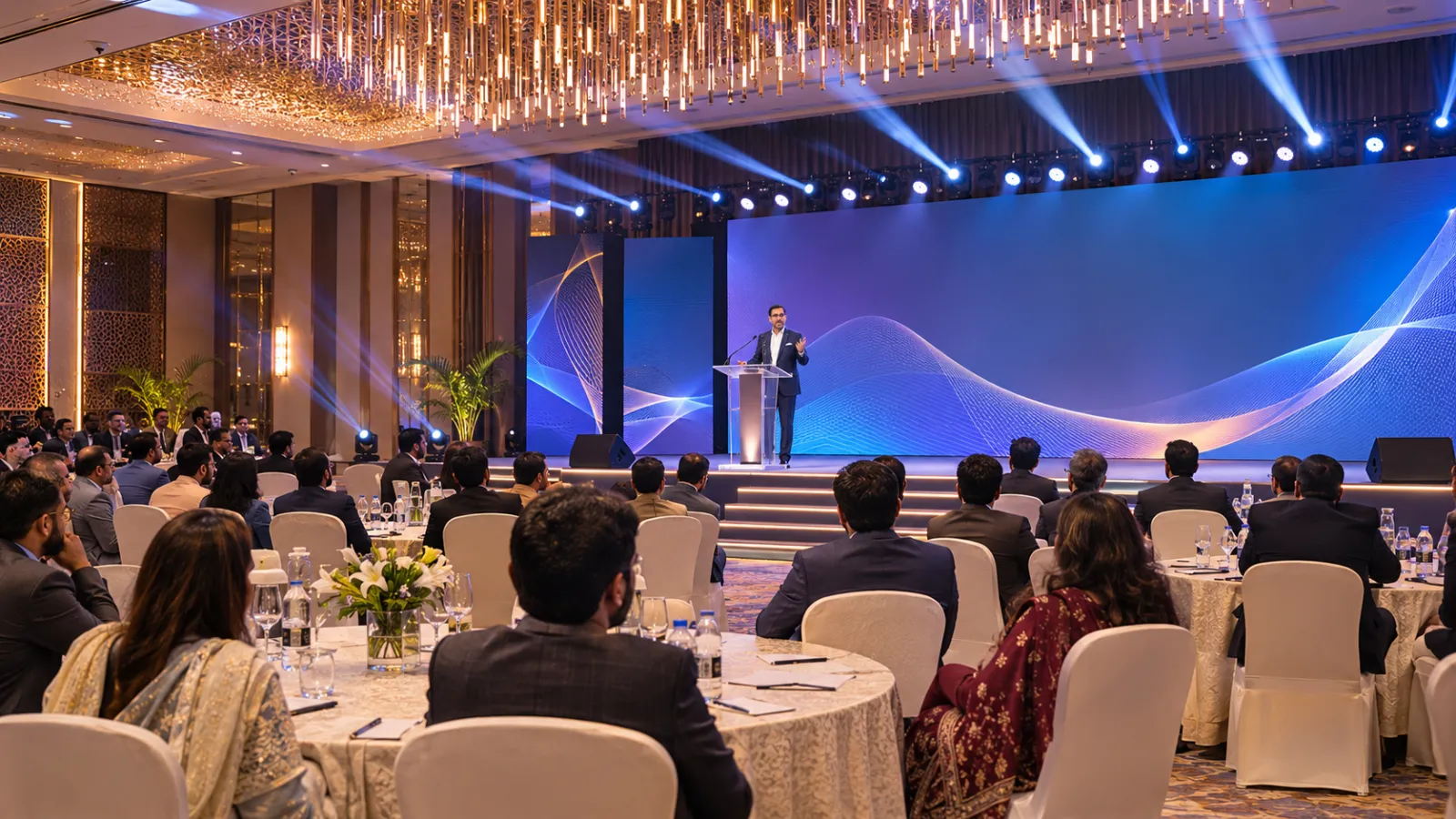
Cameras see LED screens differently from people. A common problem is moiré — wavy lines or patterns that appear when the camera's sensor grid interferes with the grid of LEDs. Panasonic's guide to moiré in live production lists practical fixes: keep the speaker well in front of the wall, use a finer pitch where the budget allows, use a shallower depth of field, and use a longer lens from further back. PRG notes that a lower scan rate on the panels increases the chance of moiré.
- Tell the LED supplier and camera team the event is being recorded or streamed.
- Ask for the panels' refresh rate. Ticket Fairy's LED guide notes that many large LED walls run at 3,840 Hz or more to reduce flicker, and recommends testing with the actual cameras at rehearsal. Test at the zoom levels you will use.
Which one should you choose?
Choose an LED screen if…
- Speakers will present slides or videos from the stage.
- You are running an award ceremony with names and photos for each winner.
- You want a product reveal, countdown or opening video.
- Several sponsors need their logos shown in rotation.
- The event is streamed or shown live on screen with a camera feed.
- Content may change up to the last minute.
Choose a printed backdrop if…
- The stage carries one fixed message: brand, event name and date.
- The main use is photos, speeches and a ribbon cutting.
- You need an unusual shape, cut-outs or 3D lettering.
- The venue has limited power or no space for a control desk.
- The budget must go to other parts of the event.
- It is a press wall or photo backdrop, where guests stand very close.
The hybrid stage
For many conferences, launches and annual dinners the answer is both: an LED screen in the centre for content and live feed, with fabricated and printed side panels carrying the brand, event name and sponsors. The brand stays visible while the screen shows a speaker's slide, and the LED area can be smaller than a full wall.
Add a separate printed press wall at the entrance for guest photos, so the LED screen can stay focused on the programme. Six Grid Studios designs and builds these stages through our stage and backdrop fabrication in Lahore service, and supplies the LED screens, sound and lighting as part of corporate event production. For the rest of your planning, see our corporate event planning checklist.
Questions to ask your supplier
- What is the pixel pitch, and what is the closest viewing distance you recommend for it?
- What is the exact size of the screen in metres and in pixels, and what aspect ratio should our content use?
- Is it an indoor or outdoor panel, and can brightness be adjusted for the hall?
- What is the refresh rate, and has it been tested with cameras?
- Is an operator included for the rehearsal and the event, and what is the power backup if mains power drops?
- For a printed backdrop: what material, what frame, and what file size and bleed do you need?
- Is the quotation for supply, installation and dismantling, and for how many event days?
Get a quote for an LED, printed or hybrid backdrop
Share your venue, stage size, guest count and whether the event will be filmed. We will reply on WhatsApp with next steps and a quotation for an LED screen, printed backdrop or both. Call or WhatsApp 0326 9443049, email hello@6gridstudios.com, or visit our Gulberg III office.
FAQs
Is an LED screen better than a printed backdrop?
Not always. An LED screen is better when content changes during the event, such as slides, videos, live feed or award names. A printed backdrop is better for one fixed message, photo walls, unusual shapes and tighter budgets.
What pixel pitch do I need for an indoor corporate event?
It depends on how close your front row sits. Published rules of thumb range from about 1 metre per millimetre of pitch (PRG) to 2 metres per millimetre (Barco). Measure the front-row distance and ask your supplier to match the pitch to it.
What does P3 or P3.9 mean on an SMD screen quotation?
The P-number is the pixel pitch in millimetres, the distance between the centres of neighbouring pixels. A P3.9 screen has pixels 3.9 mm apart. Lower numbers are sharper up close.
Why does an LED screen look strange in videos?
Usually because of moiré, a wavy pattern caused when the camera sensor's grid interferes with the LED grid. Keeping speakers further in front of the screen, using a finer pitch, a longer lens and shallower depth of field all help. Test with the real camera at rehearsal.
Does an LED screen need an operator and power backup?
Yes. An LED wall runs from a video processor and a laptop or media server, so plan for an operator through the rehearsal and the event. Ask your supplier how much power the screen needs and what happens if mains power drops.
Can we use both an LED screen and a printed backdrop?
Yes. A hybrid stage with an LED screen in the centre and printed or fabricated branded panels on the sides works well for conferences, launches and award nights. Six Grid Studios designs and builds both in Lahore.